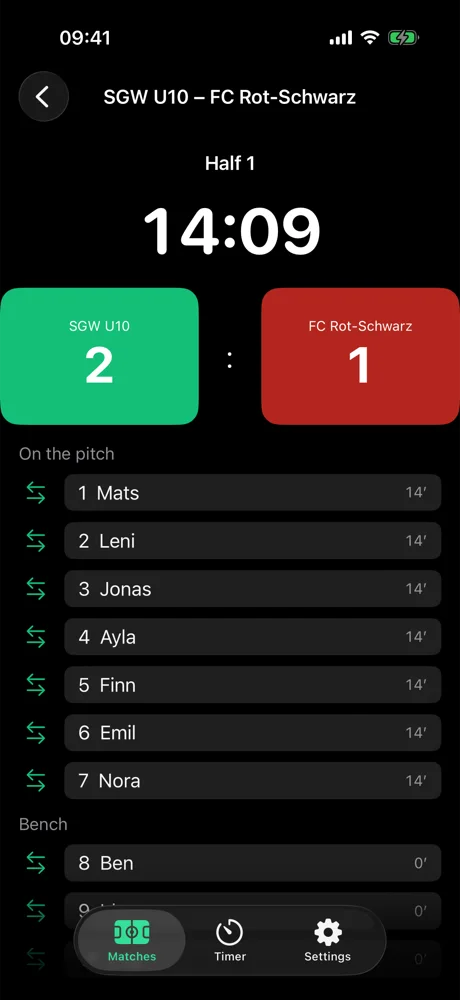
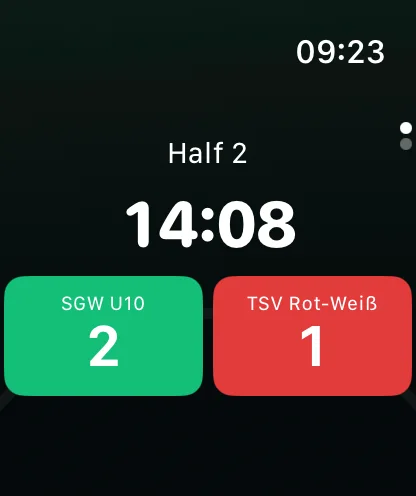
Every moment of the match, at your side.
-
Goal
One tap. Pick the scorer.
-
Sub
One tap. Pick the players.
-
Half-time
Even in the dressing room, miss nothing.
-
Lock Screen
The score, without opening the app.
-
Full time
The report is ready to share.
From kids' football to the first team.
- U7
- U9
- U11
- U13
- U15
- U17
- U19
- Seniors
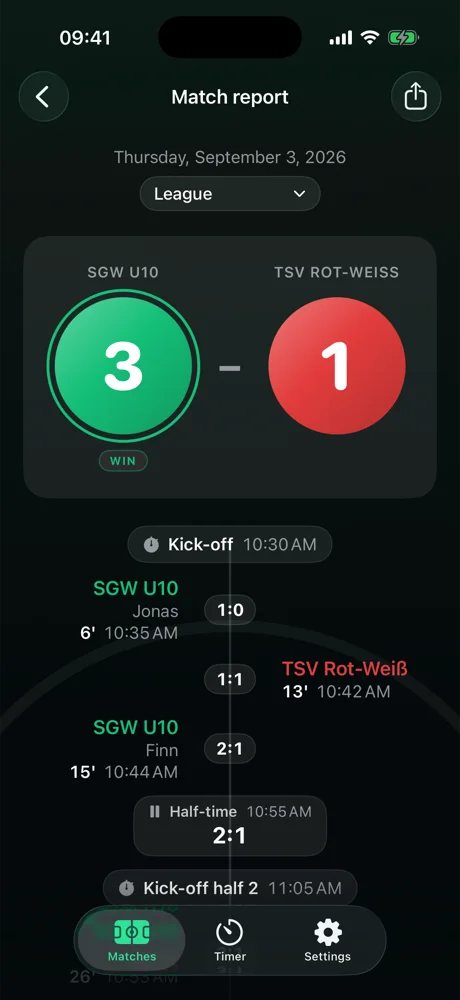
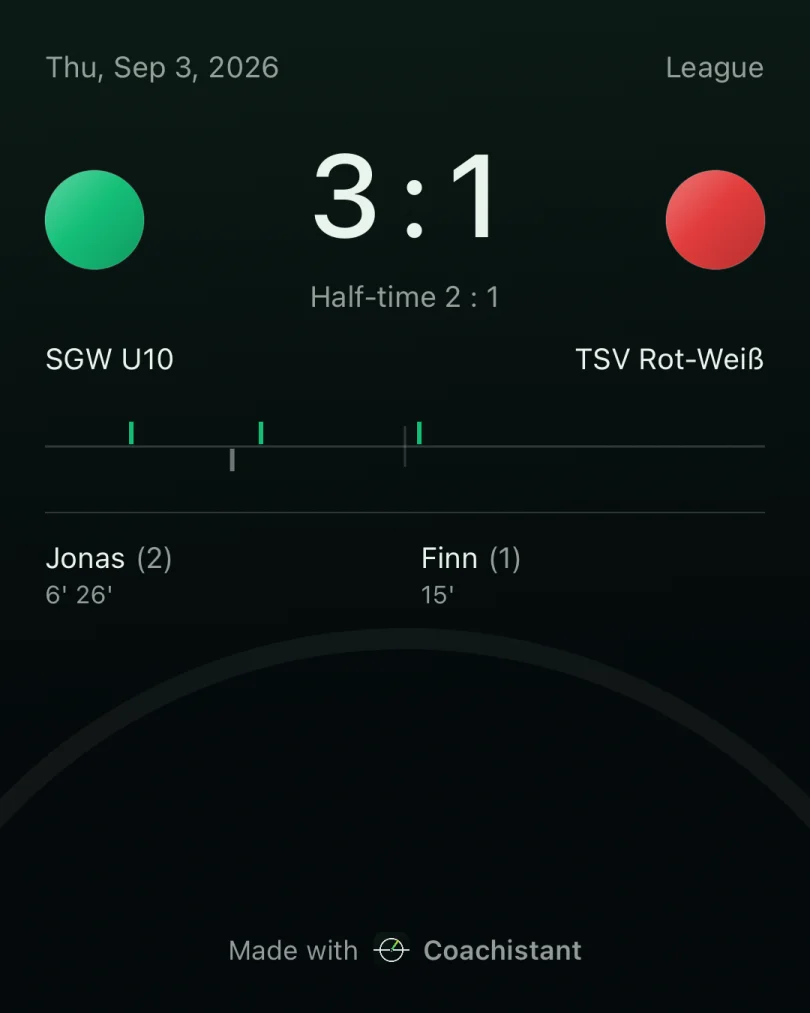
And the match report is created for you automatically.
- Timeline with scorers, subs and cardsMissing a scorer? Add them with one tap.
- Playing time per playerSo every child gets their minutes.
- Share with one tapWith parents, fellow coaches or on social media.
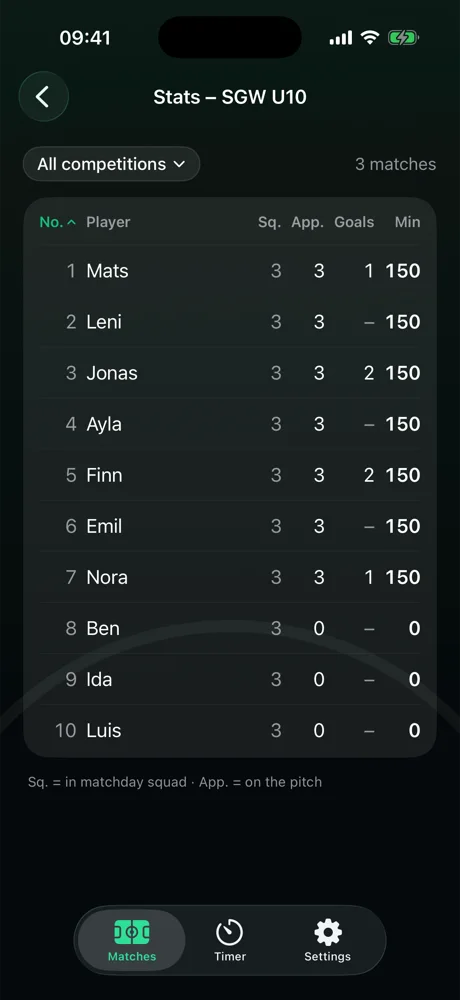
Fair rotation, in black and white.
Matches in the squad
Appearances on the pitch
Minutes played
Matches in the squad and appearances on the pitch are two different numbers. Coachistant keeps them apart, for every player. Whoever is getting too little shows up here first.
That easy. Set up teams and matches.
Whether it's under-9s playing three or four a side or a Sunday league eleven: you set up the team once. After that, every match takes twenty seconds.
-
Step 1
Create the team. Name, colours, format.
-
Step 2
Add the squad. Number and name.
-
Step 3
Create the match. Team and opponent.
-
Step 4
Lineup. Green plays, yellow on the bench.
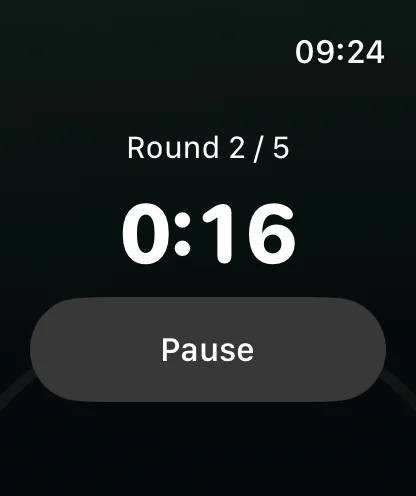
Not just on match day. At your side in training too.
- Work, rest, roundsThree wheels on iPhone, one tap to Apple Watch.
- A phase change you can feelApple Watch vibrates at every phase change.
Everything stays on your iPhone and your Apple Watch. A report leaves the device only when you share it. Privacy
Short answers.
Do I need an Apple Watch?
No. Without Apple Watch the match runs on iPhone, with the score on the Lock Screen.
Do I have to maintain a squad?
No. Without a squad you get clock and score; with a squad you also get subs, cards, scorers and playing time.
What if Apple Watch dies mid-match?
The clock is calculated from kickoff, not counted. Once it is back on, the right minute is there.
Where is my data?
On your iPhone and your Apple Watch. There is no server and no account.
What do I need?
iPhone with iOS 17 or later, Apple Watch with watchOS 10 or later (optional). English and German.
No more notes on the touchline.